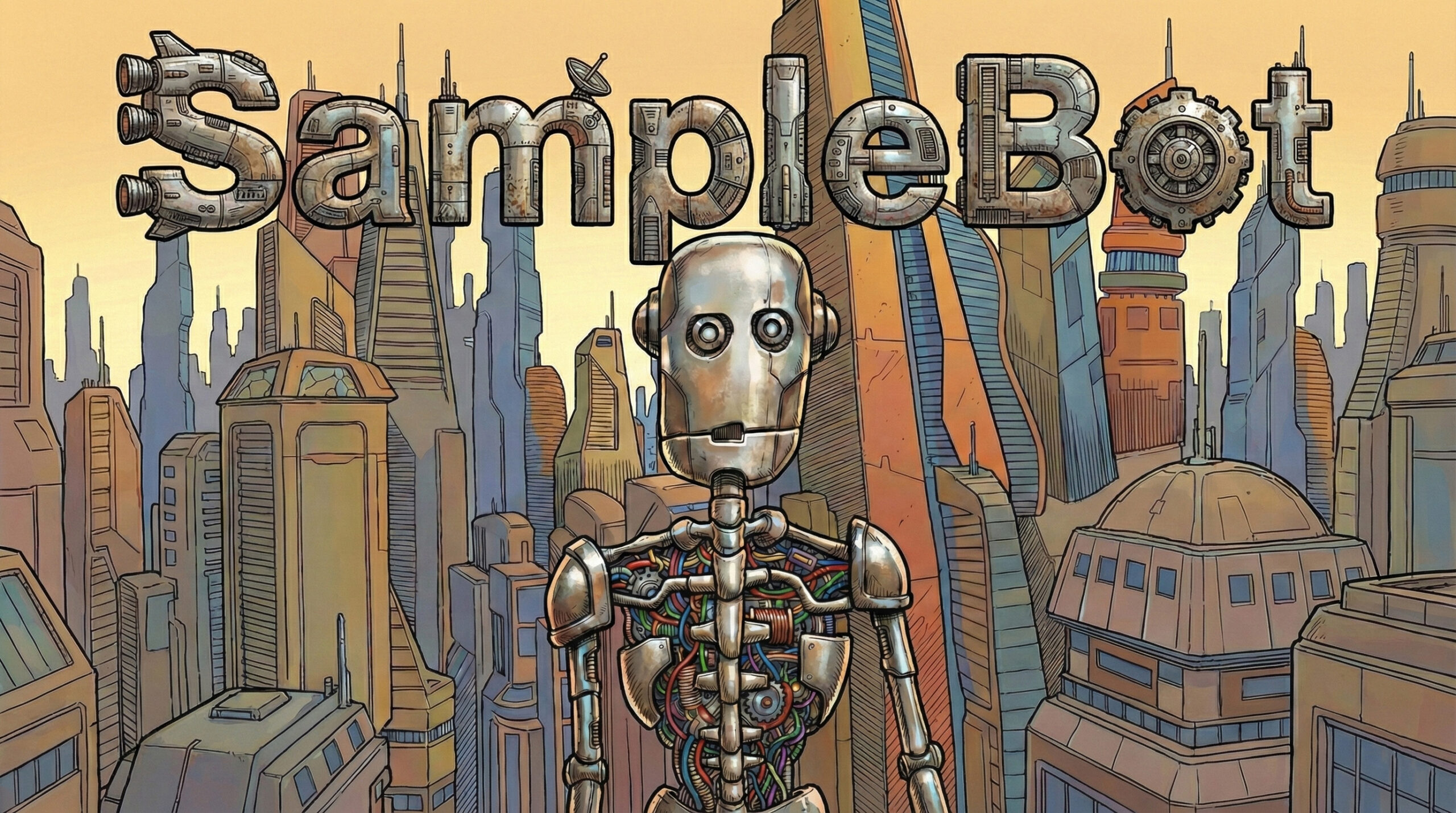

In the world of digital creation, the right tools can transform a mundane process into an artistic journey. Today, I’m excited to share details about two projects designed to streamline and stylize your creative output: VideoFilter and SampleBot. Whether you’re a streamer looking for a unique visual flair or a producer automating your sound design, these macOS utilities have you covered.
🎨 VideoFilter: Real-Time Artistic Visuals for Broadcasters
VideoFilter is a high-performance macOS camera filter application built for live broadcasting and streaming. It goes beyond simple color correction, offering a “Moebius-style” aesthetic that brings a comic-book feel to your live feed.
Key Features
- Real-Time Metal Rendering: Experience lag-free, hardware-accelerated effects.
- Artistic Filters:
- Moebius: Ink lines and flat color quantization for a hand-drawn look.
- Trails: Create trippy motion feedback loops.
- Color Spray: Dynamic rainbow cycling for your motion trails.
- Broadcast Ready: A dedicated “Broadcast Mode” (Cmd+B) hides all UI elements, making it perfect for OBS Studio Window Capture.
- External Control: Support for a custom URL scheme (
videofilter://) allows for seamless integration with Stream Deck.
How to Use It
- Launch & Configure: Open the app and use the sliders to dial in your Edge Strength, Color Levels, and Trail intensity.
- OBS Integration: In OBS, add a “Window Capture” source and select
[cerkit Video Filter]. - Go Live: Press
Cmd+Bto hide the UI and let the artistic visuals take center stage.
🤖 SampleBot: Automating Sound Design for Producers

SampleBot is a powerful macOS utility that takes the drudgery out of sampling. Whether you’re capturing sounds from hardware synths or AUv3 plugins, SampleBot automates the MIDI triggering and recording process, delivering perfectly organized samples.
Key Features
- Automated Sampling: Automatically triggers notes across a range and records the audio output.
- Velocity Layers: Support for Soft, Medium, and Hard velocity layers to capture the full character of your instrument.
- AUv3 Hosting: Host your favorite digital instruments directly within SampleBot—no external cables required.
- MPC Keygroup Export: Instantly generate
.xpmprogram files ready to load into your Akai MPC. - Text-to-Speech (TTS): Use macOS system voices to generate high-quality vocal samples from text.
How to Use It
- Source Selection: Choose your MIDI destination (Hardware, AUv3, or DAW) and your Audio Input.
- Configure Range: Set your start/end notes and the number of velocity layers you need.
- Generate: Hit the sampling button and watch (and listen) as SampleBot builds your sample library automatically.
🚀 One Post, Two Powerhouses
Combining the visual impact of VideoFilter with the workflow efficiency of SampleBot creates a potent ecosystem for modern creators. You can find more details, download releases, and check out the source code on GitHub:
- SampleBot: GitHub Repository
Streamline your sound, stylize your vision, and keep creating!