
In Part 1 of this series, we built pi-console, a .NET 10 Bulletin Board System (BBS) style dashboard driven entirely by MQTT and Node-RED. By combining Spectre.Console for a sleek, static terminal layout with MQTTnet for messaging, we created a dashboard where the UI is just a dumb display, and the logic lives in Node-RED.
It worked beautifully. But there was a catch: our topics, like pi-console/menu/items, were static and global.
If you booted up three different consoles on your network (say, one in the office, one in the garage, and one in the living room), they would all subscribe to the exact same broadcasted menu. If we wanted unique, context-aware dashboards, we needed a way to establish private, dynamic communication channels on the fly.
To solve this, I turned to a concept from theoretical computer science: The Pi Calculus.
Enter the Pi Calculus
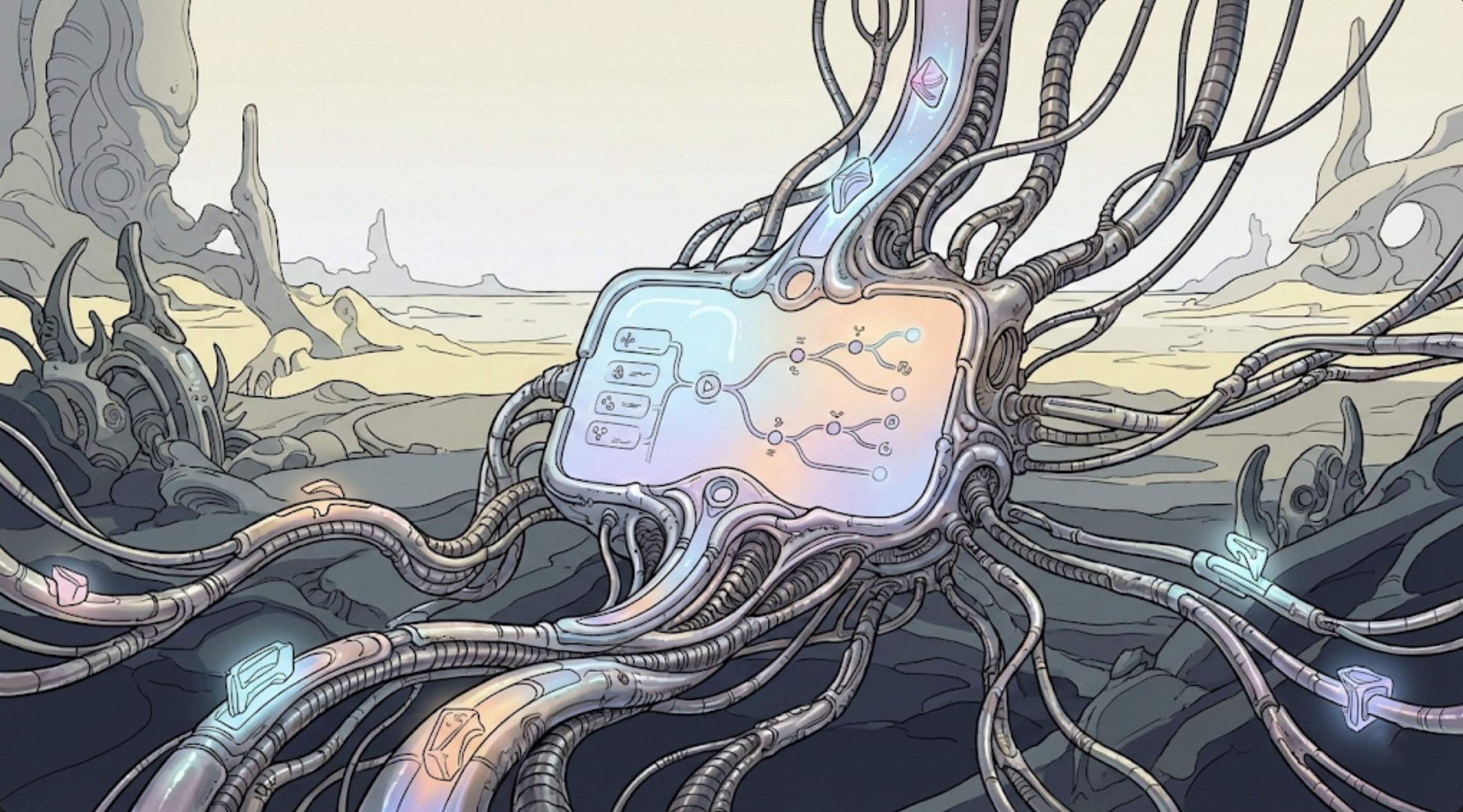
In computer science, the π-calculus (pi calculus) is a process calculus used to describe concurrent systems whose configurations change dynamically. Its defining feature is channel mobility—the ability to pass communication channels as data over other channels.
I decided to bring this mathematical concept to life in our MQTT architecture. Instead of hardcoding the topics that the console listens to for its menus and operations, the application UI configuration now occurs entirely dynamically through a handshake process.
Waking Up and Shaking Hands
The architecture of pi-console has evolved. Here is how the new channel mobility system handles a session lifecycle:
1. The Startup Announcement
When pi-console boots, it no longer publishes a static GUID to an initialization topic. Instead, it publishes an empty payload to the pi-console/client/startup topic to announce its presence to the broker.
2. The Session Handshake
The app immediately begins listening on a dedicated channel: pi-console/handshake. When a controller (like Node-RED) detects a new startup, it fires back connection instructions formatted in JSON. For example, to provide a dynamic menu, Node-RED sends:
{"action": "PROVIDE_MENU", "channel": "session_id"}
(Note: The system also supports a generic {“action”: “CONNECT”, “replyToChannel”: “session_id”} for standard communication.)
3. Channel Mobility in Action
This is where the pi calculus magic happens. As soon as the application receives this handshake, it extracts the dynamic channel string (“session_id”). The app then instantly opens a new subscription to that active channel and registers the active session in the live “Operations” screen of the console.
We just used a public channel to pass the name of a private channel, dynamically altering the network topology of our application!
Dynamic Menus over Private Channels
Once the pi-console subscribes to its newly assigned session_id channel for a PROVIDE_MENU action, it needs to tell Node-RED that it successfully migrated. It does this by publishing a {“status”: “READY”} payload back across that exact dynamic channel.
Now that the private tunnel is established, Node-RED publishes the JSON array of MenuItem objects directly to that specific session channel:
[
{ "id": 1, "label": "System Status", "icon": "info", "color": "green" },
{ "id": 2, "label": "Device Settings", "icon": "settings", "color": "purple" }
]
The console receives the array, parses it, and renders the vibrant, interactive Spectre.Console menu—but this time, the menu is completely isolated to that specific terminal session. Meanwhile, global system alerts can still be pumped to the pi-console/status topic to dynamically patch the bottom status panel in real-time.
Conclusion
By implementing a pi calculus-inspired handshake, pi-console has evolved from a dashboard listening to a static broadcast tower into a smart node capable of negotiating private channels on the fly. This “channel mobility” opens the door for unlimited, unique, and secure dynamic dashboards on your home automation network, all running simultaneously.
If you want to check out the updated C# MQTT integration or try running the pi-calculus architecture for yourself, you can clone the updated code from the pi-console repo on GitHub.
3 thoughts on “Building a Dynamic Console UI with .NET 10, MQTT, and Node-RED – Part 2: The Pi Calculus Menu System”